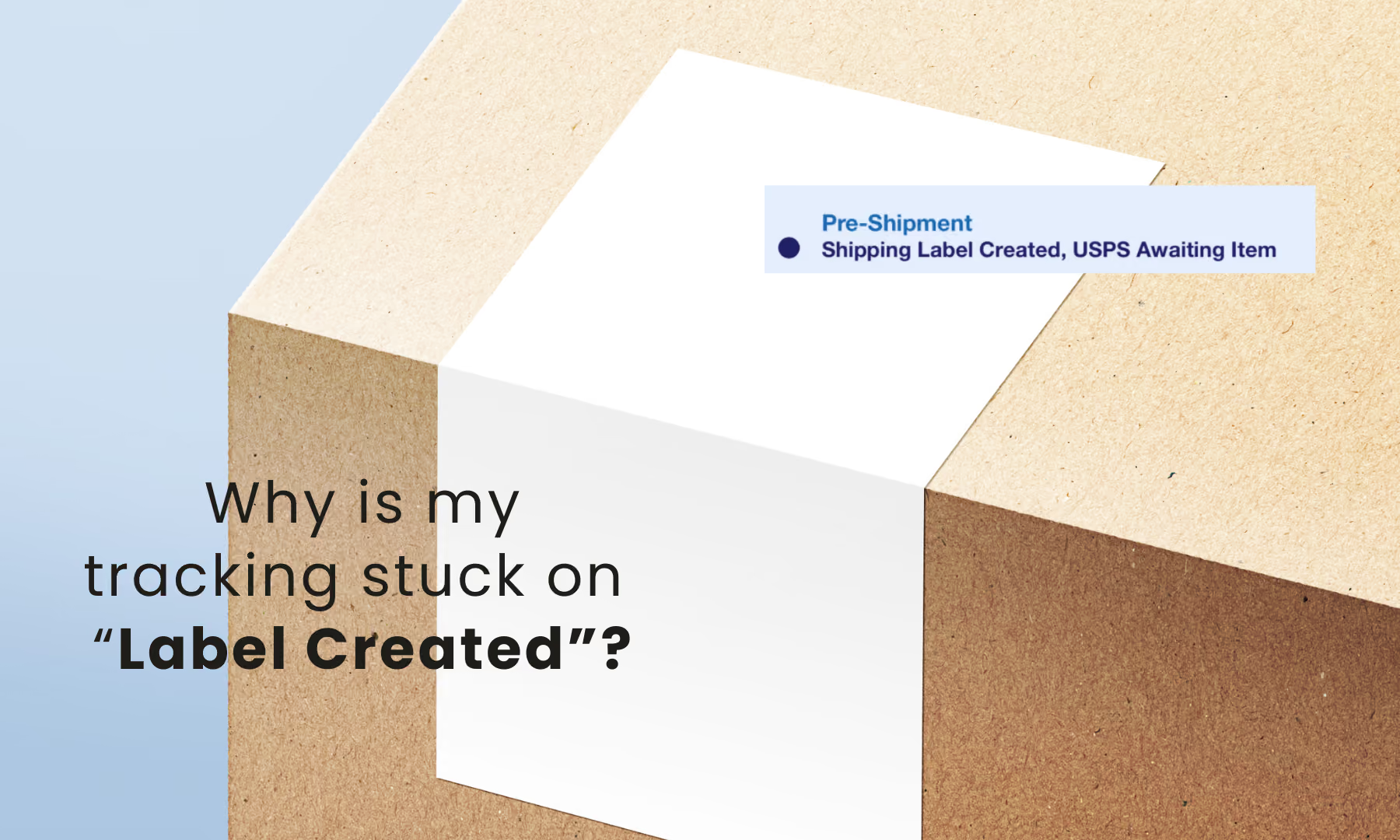
Discover why carrier tracking stalls for USPS, UPS, FedEx, and DHL to keep your customers happy and your shipments moving.
As an e-commerce seller, few things are more frustrating than dropping off a stack of orders, only to see the status stuck on "Label Created / Pre-Shipment" for days.
Not only does this trigger your anxiety, but it also leads to "Where is my package?" (WISMO) emails from concerned customers. At ShipSaving, we want to help you understand the mechanics behind these delays and how to handle them like a pro.
Why Isn't the Tracking Updating?
While we live in an era of instant gratification, logistics tracking isn't always real-time. Here are the most common reasons for the "black hole" in tracking:
- The "Missed" Initial Scan: During peak seasons or at busy sorting facilities, carriers may skip the origin scan to keep trailers moving. Your package is traveling, but the system won't "wake up" until it hits the next major hub.
- Drop-off After Hours: If you use a drop box or a third-party collection point after the final pickup time, your package won't be scanned until the next business day.
- Label Readability Issues: If the barcode is smudged, covered by highly reflective tape, or placed on a curve, the automated scanners might fail. These packages are diverted to manual sorting, causing a 24–48 hour delay.
- System Synchronization: There is often a "data lag" between the carrier’s internal handheld scanner and the public-facing tracking page.
Carrier-Specific Insights
USPS
USPS is notorious for "stealth shipping"—where a package travels across the country without a single scan until it hits the destination post office.
- Common Behavior: Tracking may stay stuck on "Label Created" or "Accepted" for 3-5 days.
- Expert Advice: If there’s no movement after 5 days, file a Missing Mail Search Request on the USPS website to "nudge" their system.
UPS
UPS generally provides the most reliable origin scans, but they are highly sensitive to weather and hub volume.
- Common Behavior: Packages might stall at a major hub (like Worldport in Louisville) during peak seasons or storms.
- Expert Advice: Use UPS My Choice for Business to see more granular internal updates that might not show on the public tracking page.
FedEx
If you drop off at a FedEx OnSite location (like Walgreens or Dollar General), the "first scan" depends entirely on when the FedEx driver picks up from that store.
- Common Behavior: The status may stay as "Shipment information received" until the driver physically scans it onto the truck.
- Expert Advice: Always ask for a printed drop-off receipt at the counter. This forces an immediate status update to "Picked up."
DHL Express
As an international specialist, DHL’s tracking delays are almost always related to "Regulatory Processing" rather than missed scans.
- Common Behavior: Status might show "Clearance Delay" or "Processed at Hub" for extended periods.
- Expert Advice: Keep an eye on the Clearance Status. ShipSaving users can often speed this up by proactively providing digital commercial invoices through our platform.
Pro Tips for ShipSaving Users
To protect your seller rating and keep customers happy, follow these best practices:
- Use SCAN Forms (for USPS): If you have multiple shipments, ShipSaving allows you to generate a SCAN Form. This single barcode lets the carrier scan all your packages at once, ensuring an immediate "Accepted" status for every order.
- The 24-Hour Rule: Set expectations in your shipping confirmation email. Add a note: "Please allow 24-48 hours for tracking information to refresh as the carrier processes your shipment."
- Audit Your Packaging: Avoid placing tape directly over the barcode. Use high-quality thermal labels to ensure scanners can read your data at high speeds.
- Leverage ShipSaving Support: If a package is significantly overdue, our team can help you navigate the claims process or open an inquiry with the carrier.
Final Thoughts
A tracking delay doesn't always mean a lost package. Most of the time, it's just a hiccup in the digital paper trail. By using the tools available in ShipSaving—like SCAN forms and our discounted shipping insurance—you can ship with confidence even when the "blue bar" isn't moving.
ShipSaving is an all-in-one shipping platform that provides discounted shipping for individuals and e-commerce. It allows users to integrate all sales channels in one place, seamlessly manage orders, and streamline the shipping process, helping shippers maximize their savings and efficiency.